Your AI companion powered by Gemini right in your browser.
Experience real-time voice conversations with Google Gemini Live API. Get instant answers, creative assistance, and natural dialogue—all from a simple Chrome extension.

Powerful AI features at your fingertips.
Experience the full potential of Google Gemini Live API with natural voice interactions and intelligent assistance.
Talk naturally with Gemini AI using voice input and receive spoken responses instantly. No typing required—just speak your mind.


Loved by users everywhere.
From students to professionals, see how Gemini Live Assistant is transforming the way people work and learn with AI-powered visual assistance.
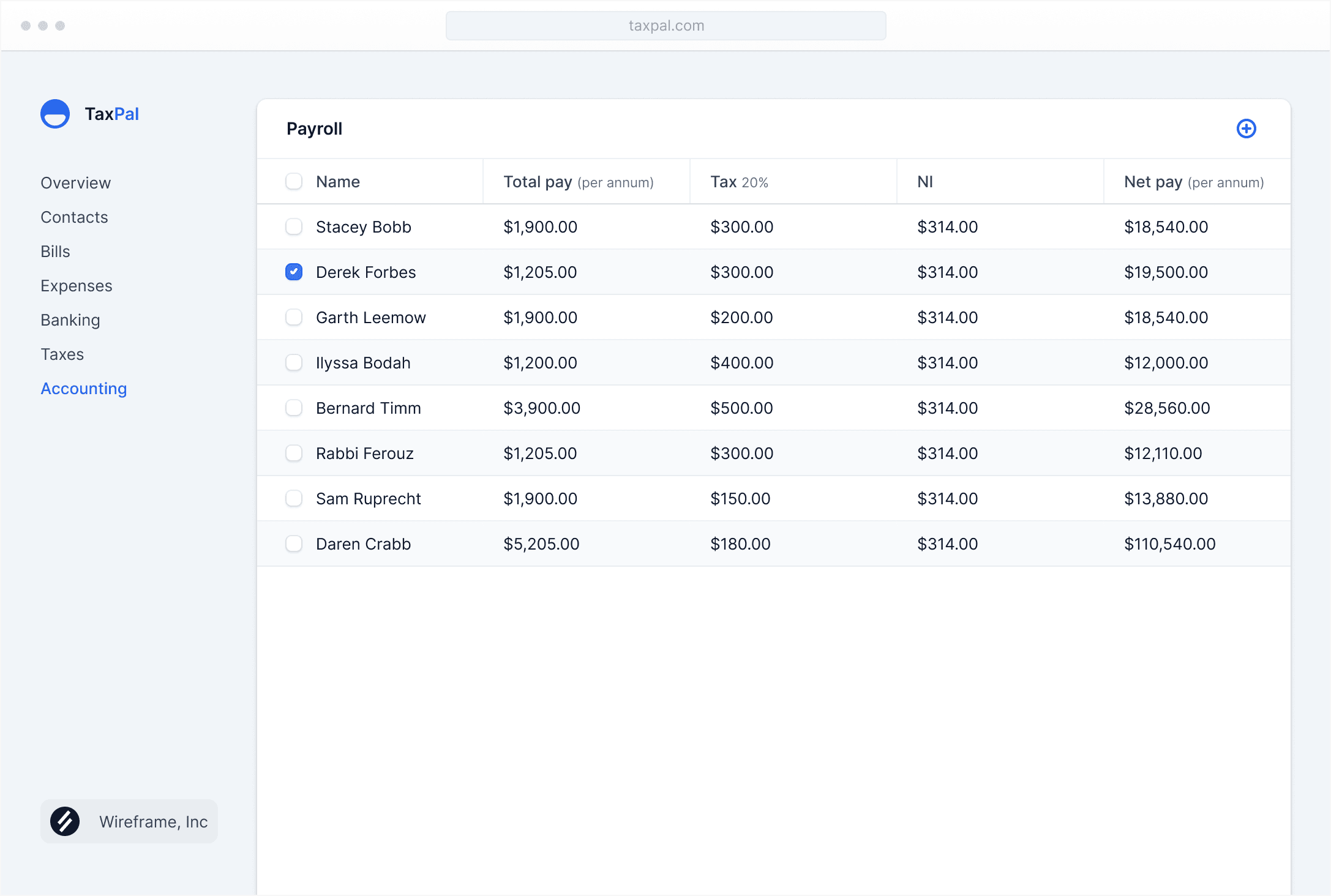
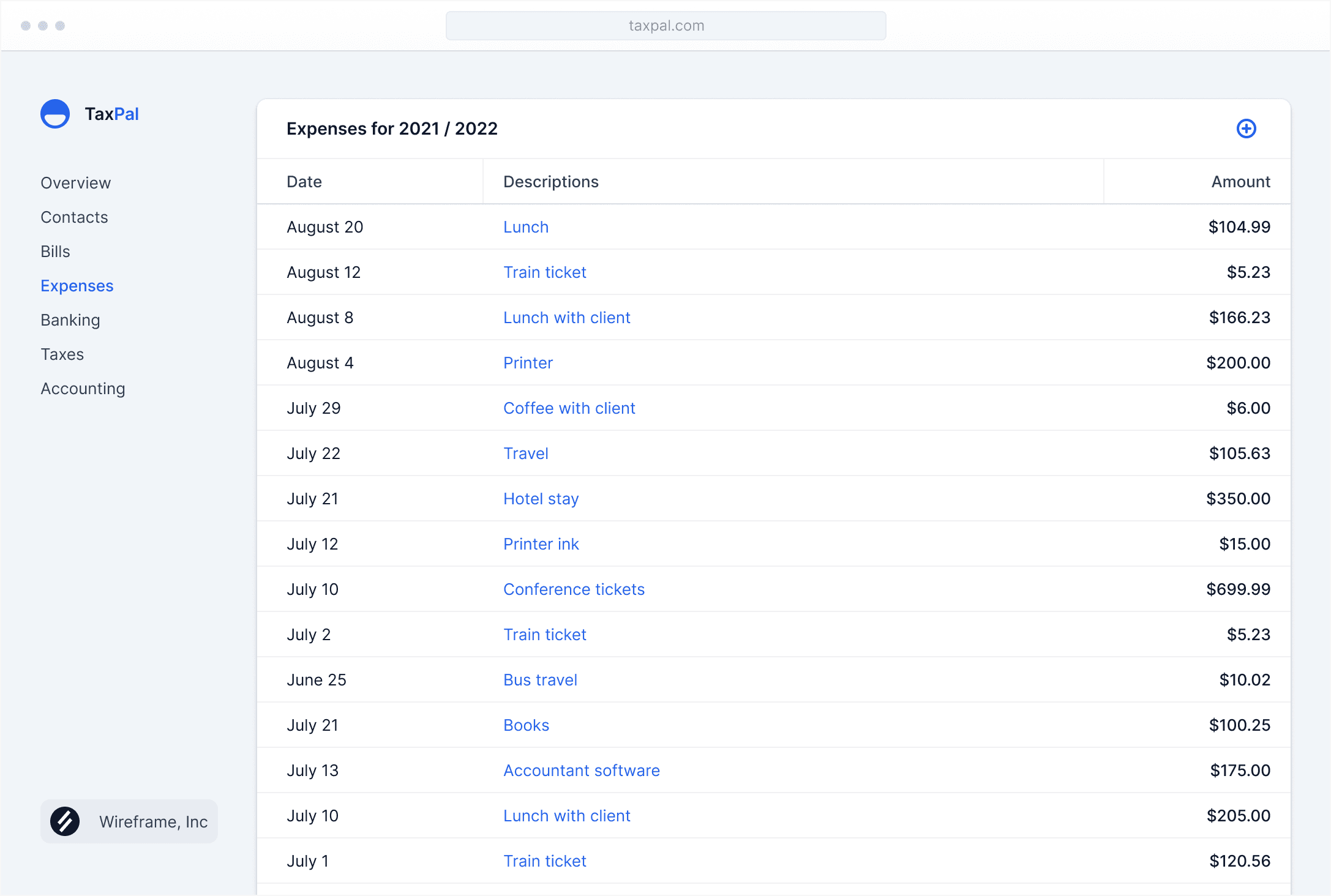
As a developer, being able to share my screen and ask Gemini "what's wrong with this code?" has cut my debugging time in half. It sees exactly what I see and gives spot-on suggestions.
Sarah ChenSoftware Engineer
I use this for my college assignments every day. Instead of typing out long questions, I just show Gemini my homework and ask for help. The voice interaction makes it feel like having a study buddy.
Marcus JohnsonComputer Science Student
The screen sharing feature is a game-changer. I can show Gemini my Excel spreadsheets and get instant help with formulas. It's like having an expert looking over my shoulder.
Emily RodriguezData Analyst
Being able to talk to AI instead of typing is so much faster. I keep it open in the side panel while I work, and whenever I need help, I just click and start talking.
David KimProduct Manager
This extension has become essential for my research. I can share articles or data visualizations and have natural conversations about what I'm reading. It's like having an AI research assistant.
Dr. Jennifer WalshResearch Scientist
I was skeptical at first, but the visual context makes such a huge difference. Gemini actually understands what's on my screen and gives relevant answers. No more trying to describe my problem in text.
Alex ThompsonFreelance Designer
Free to start, scale as you grow.
Install the extension for free and only pay for what you use through Google Gemini API pricing.
Free
Perfect for trying out the extension and occasional use.
$0
- Voice conversations with Gemini
- Screen sharing capability
- Side panel access
- Basic usage quota
- Chrome browser support
Light Usage
Ideal for students and casual users with regular AI assistance needs.
~$5
- Everything in Free
- Extended voice conversations
- More screen sharing sessions
- Faster response times
- Priority API access
- Email support
Heavy Usage
For professionals and power users who rely on AI daily.
~$20
- Everything in Light Usage
- Unlimited voice conversations
- Extended session lengths
- Highest priority access
- Premium support

Frequently asked questions
Have questions about Gemini Live Assistant? Find answers to common questions about features, privacy, and getting started.
Do I need a Google account to use this extension?
Yes, you'll need to sign in with your Google account to access the Gemini Live API. This ensures secure authentication and personalized AI interactions.
Is my screen data stored or shared?
No, your screen sharing is processed in real-time by Gemini AI. We don't store or save any of your screen content. Your privacy and data security are our top priorities.
Does the extension work offline?
No, the extension requires an internet connection to communicate with Google's Gemini Live API for real-time AI processing and responses.
What microphone permissions does the extension need?
The extension needs microphone access to enable voice conversations with Gemini. You can grant or revoke these permissions anytime in your browser settings.
Can I use this extension on any website?
Yes! The extension works as a side panel that you can access from any tab in Chrome. Simply click the extension icon to open it and start talking to Gemini.
How is this different from the regular Gemini website?
Our extension uses the Gemini Live API for real-time voice conversations and includes screen sharing capability, so Gemini can see what you're working on and provide visual, context-aware assistance.
Is there a cost to use this extension?
The extension is free to install. However, usage may be subject to Google's Gemini API pricing and quotas. Check Google's pricing page for current rates.
Can I control what Gemini sees on my screen?
Absolutely! You have full control over screen sharing. You can start or stop sharing at any time, and choose specific tabs or windows to share.
Which browsers are supported?
Currently, the extension is available exclusively for Google Chrome. We're exploring support for other Chromium-based browsers in the future.